Is He Real? How to Verify Someone You Met Online
In this guide
Wondering whether someone you met online is genuinely who they say they are is one of the most common worries in modern dating, and it's a reasonable one — the good news is that verifying someone doesn't require confrontation or drama, just a sequence of ordinary, low-key checks.
This guide walks through that sequence in order: checking the photos, checking name and handle consistency, running a live video call, corroborating their workplace and social presence, checking their phone number and email footprint, and looking at public records. It ends with a simple framework for deciding whether someone counts as verified, unverified, or a walk away.
Step 1: Check the photos first
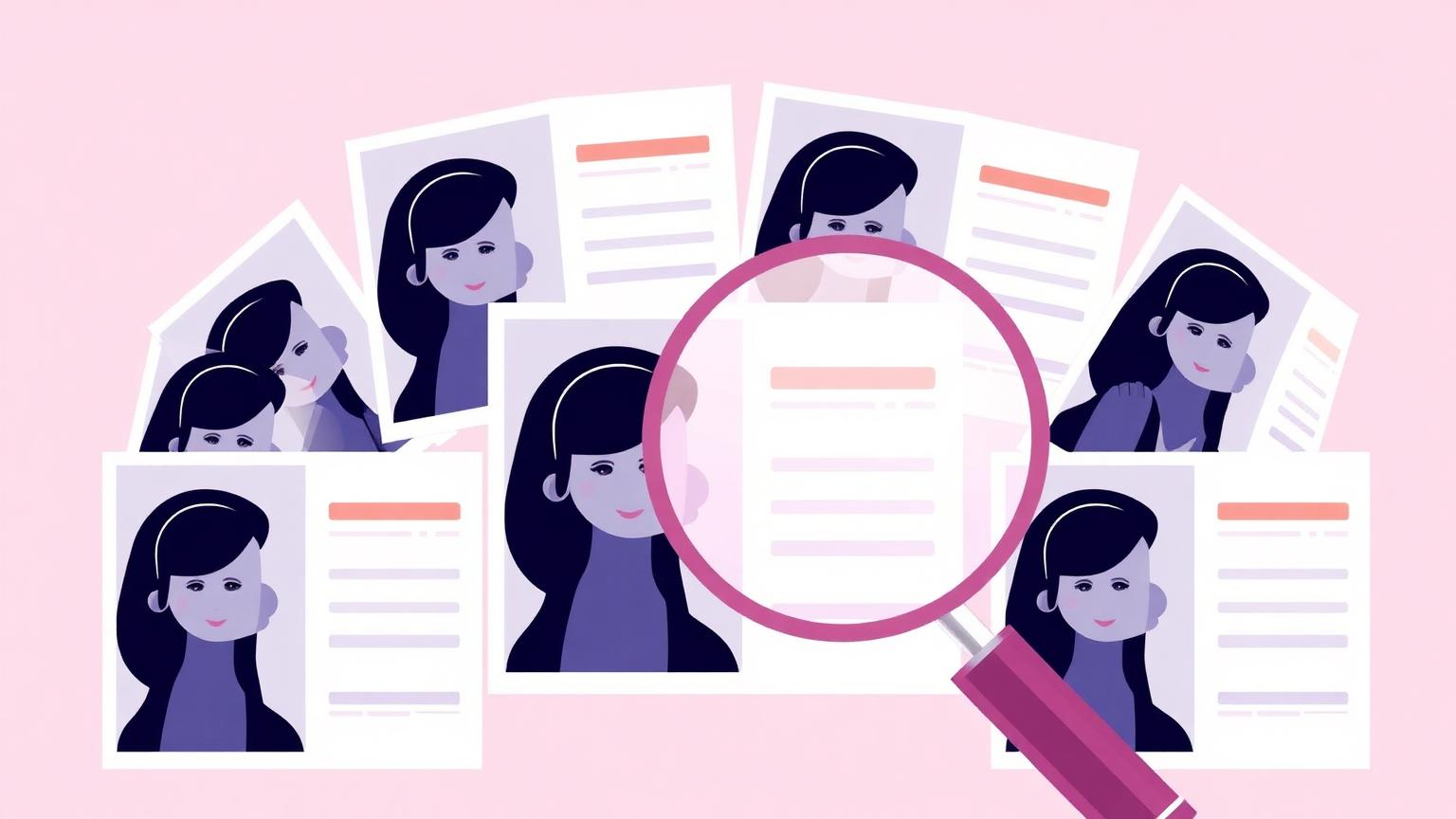
Photos are the fastest thing to check and often the most revealing, so they're the natural starting point before you invest more time.
- Run their main profile photo through a reverse image search to check whether it appears on stock sites, modelling portfolios, or someone else's social media.
- Look closely for the current tells of AI-generated images, including background text, hand and ear detail, and lighting that doesn't match between the face and the scene.
- Compare photos across their profile for consistency in face shape, features, and apparent age rather than assuming one good photo means they're all genuine.
- Note whether any photos show them with other people, in identifiable places, or doing ordinary things, since this is harder to fabricate convincingly.
Which photo to start with
If they've sent you more than one photo, start with the most casual, least polished one rather than the best studio-quality shot. Casual photos — a phone-camera selfie in a car, a photo taken by a friend at a bar — are harder to fake convincingly and easier to reverse-image search meaningfully, since a professional headshot is more likely to already exist in a stock library regardless of who's using it now. If every photo they've sent looks equally polished, that pattern itself is worth noting.
Step 2: Check name and handle consistency
A genuine person's name and online presence usually line up loosely across platforms. Someone constructing a fake identity often has gaps here that are worth noticing.
- Search their full name alongside their stated city or employer and see whether anything plausible and consistent comes up.
- Check whether the name and photo they've given you match what turns up if you search their phone number or email address, where you have one.
- Notice if their social media handle, display name, and dating profile name are all slightly different from each other without an obvious reason.
- Be cautious if a search of their name returns nothing at all, since a complete absence of any digital footprint is unusual for most adults, though not impossible.
Common name-search mistakes
A first name plus a common surname on its own will usually return too many unrelated people to be useful — add a city, employer, school, or even a distinctive hobby they've mentioned to narrow results meaningfully. It also helps to search variations: nicknames, a maiden or married name if they've mentioned one, and alternate spellings, since a genuine person's public footprint is sometimes attached to a slightly different version of the name they introduced themselves with. Searching once and concluding 'nothing came up' after a single generic search is one of the most common ways people miss a perfectly real, findable person.
Step 3: The live video call — and how to ask for one
A live video call remains one of the single best verification steps, because it is still genuinely hard to fake convincingly in real time, especially if you know what to test for.
How to ask without sounding accusatory
You don't need to frame this as a challenge. Something simple and light works better and gets a much better response from someone genuine: "I'd love to actually see your face and hear your voice before we meet up — are you free for a quick video call this week?" This reads as normal dating behaviour, not suspicion, and a genuine person will almost always say yes, even if they need to schedule it for a day or two later.
- Frame the request around wanting a better connection before meeting, rather than around checking they're real.
- Offer a specific, low-pressure time rather than an open-ended 'sometime', since a concrete suggestion is easier to say yes to.
- If they delay repeatedly with vague excuses over more than a week or two, treat that pattern itself as the signal, not any single excuse.
- During the call, casually ask them to turn their head to the side or hold a hand briefly in front of their face, since this is where real-time face-swap tools tend to glitch.
What a video call does and doesn't prove
A live call that matches the photos and behaves naturally is strong evidence the visual identity is real — it's genuinely difficult, though not impossible, to convincingly fake in real time on a phone or laptop call. What it doesn't prove is everything else in their story: their stated job, relationship status, income, or intentions can all still be false even after a completely normal-looking call. Treat a clean video call as confirming 'this is a real person and this is what they look like', not as confirming the rest of what they've told you.
- Ask them to move around a little or adjust lighting mid-call, since some real-time face-filtering tools glitch visibly under sudden lighting or angle changes.
- Have a short, unscripted conversation about something from earlier in your chat rather than only small talk, since this is harder to fake convincingly if someone else is actually behind the camera.
- Don't over-index on nervousness or a short call — plenty of genuine people are awkward on video, especially early on, and that alone says nothing meaningful.
Step 4: Corroborate workplace and social presence
Once you have a name, a rough employer, and ideally a video-confirmed face, you can cross-check the story they've told you against what's publicly visible.
- Search their stated employer along with their name to see if a professional profile, staff page, or public mention lines up.
- Check whether their social media activity has a normal, gradual history — years of posts, tagged friends, replies from other real accounts — rather than a sudden burst of recent, isolated activity.
- Look for mutual context, like shared friends, groups, or local community connections, which is much harder to fabricate than a profile alone.
- Be mildly cautious if their entire online presence was created within the last few months, though remember some genuine people simply don't use social media much.
Checking a stated employer specifically
For most ordinary jobs — teacher, nurse, retail manager, software developer at a known company — a LinkedIn search alongside their name and the company should return something plausible, even if it's sparse. Be more careful with jobs that are inherently hard to verify by design: military deployment, offshore oil work, international consulting, or 'business owner' with no findable business. These aren't automatically fake, but because they can't be easily checked, they need to be weighed more heavily against everything else — the photos, the video call, the pacing of the conversation — rather than taken at face value.
Step 5: Phone number and email footprint
A phone number or email address someone shares with you can reveal a surprising amount if you look at it the right way, without needing to do anything invasive.
- Search the phone number directly to see if it's linked to a name, business listing, or spam-report site that doesn't match what they've told you.
- Search the email address the same way, since reused email addresses often surface old forum posts, business listings, or social accounts.
- Notice if the phone number has an area code or country code that doesn't match the location they claim to be in, and ask about it directly and casually.
- Be cautious of a brand-new phone number with no online footprint at all, particularly if it was provided reluctantly or only after you specifically asked.
Reading a spam-report match correctly
If a phone number search turns up on a spam or scam-report site, don't assume that automatically means the person is a scammer — VoIP numbers get recycled and reported by previous, unrelated owners fairly often. What matters more is whether the report describes the same pattern you're seeing: romance-scam complaints, requests for money, or a described script that matches your own conversation. A single old, unrelated spam report is weak evidence; several recent reports describing a matching pattern is much stronger.
Step 6: Public records
A name-based public records search is the most formal step in this sequence and is worth doing once you have enough confidence in a name to search it meaningfully. It can surface a criminal record, confirm a name has a plausible, long-standing history, or reveal a mismatch worth asking about.
- Use a public records search once you're reasonably confident you have their real, full name, since searching the wrong name wastes the check.
- Treat any serious findings as a conversation starter, not an automatic dealbreaker, since records can be incomplete, outdated, or occasionally involve a different person of the same name.
- Remember that a background check like this is a safety tool for personal dating decisions and is not a substitute for, or equivalent to, an employment or tenant screening report.
- Combine this step with everything else in the sequence rather than treating it as the single deciding factor on its own.
What public records can and can't show you
A public records search can typically confirm that a name has a plausible, long-standing history at addresses and in locations that roughly match what someone has told you, and it can surface criminal or civil records tied to that name. It generally can't confirm someone's current relationship status, their income, or the specific details of their day-to-day life, and it's not designed to catch every kind of dishonesty — someone can have a completely clean record and still be lying about being single, for example. Use it as one input in the sequence, not as a replacement for the video call and conversation-based checks earlier in this guide.
Our guide on how to do a background check on someone you're dating goes into this step in more depth if you want the fuller process.
Decision framework: verified, unverified, or walk away
Verified
The photo checks out, a live video call matched the photos and behaved naturally, their name and employer are broadly consistent with what's publicly visible, and nothing concerning turned up in a records search. You have reasonable, well-founded confidence to keep getting to know them and move toward meeting in person, following ordinary first-date safety steps.
Unverified
Some checks pass and some are simply inconclusive — perhaps they're not very active online, or a video call hasn't happened yet for a plausible reason. This isn't a red flag by itself, but it does mean holding off on anything involving money, personal risk, or a first in-person meeting until a couple more of these steps close the gap.
Walk away
Photos trace back to someone else, they consistently avoid a video call over an extended period with no plausible reason, their name and details don't line up with anything, or money has come into the conversation at all. Any one of these on its own is worth real caution; more than one together is a clear signal to stop investing time or money.
Quick reference: the verification sequence
- Reverse image search and inspect the photo for AI or theft signs.
- Check name and handle consistency across platforms.
- Ask for a live video call using a warm, low-pressure request, and test for glitches at odd angles.
- Corroborate their stated workplace and social media history.
- Search their phone number and email address for mismatches.
- Run a public records search once you're confident in their real name.
- Sort your findings into verified, unverified, or walk away, and act accordingly.
Frequently asked questions
- How do I ask someone for a video call without seeming suspicious?
- Frame it around wanting a better connection before meeting, not around checking they're real — something like asking if they're free for a quick video call this week so you can actually hear their voice. A genuine person will usually agree, even if they need to schedule it for a few days out.
- What's the fastest way to verify someone you met online?
- A reverse image search of their main photo combined with a live video call covers most of what matters quickly — the photo check takes a couple of minutes, and a short call is usually enough to confirm the person on video matches the photos and behaves naturally.
- Is it normal for someone to be hesitant about a video call?
- Yes, some genuine people are simply camera-shy or cautious early on, and that alone isn't a red flag. What matters more is whether that hesitation turns into repeated delays stretched over weeks with vague excuses, especially alongside other signs.
- Can a background check confirm someone is who they say they are?
- A name-based public records check can confirm a name has a plausible, long-standing history and can surface serious records worth discussing, but it works best combined with photo and video checks rather than alone. It's a safety tool for personal decisions, not an employment or tenant screening report.
- What should I do if someone I'm verifying fails several checks?
- Treat more than one failed check as a clear signal to stop investing time, and especially stop sending any money. Preserve screenshots of the conversation and photos in case you need to report the profile to the platform, and don't feel obligated to confront them directly before walking away.